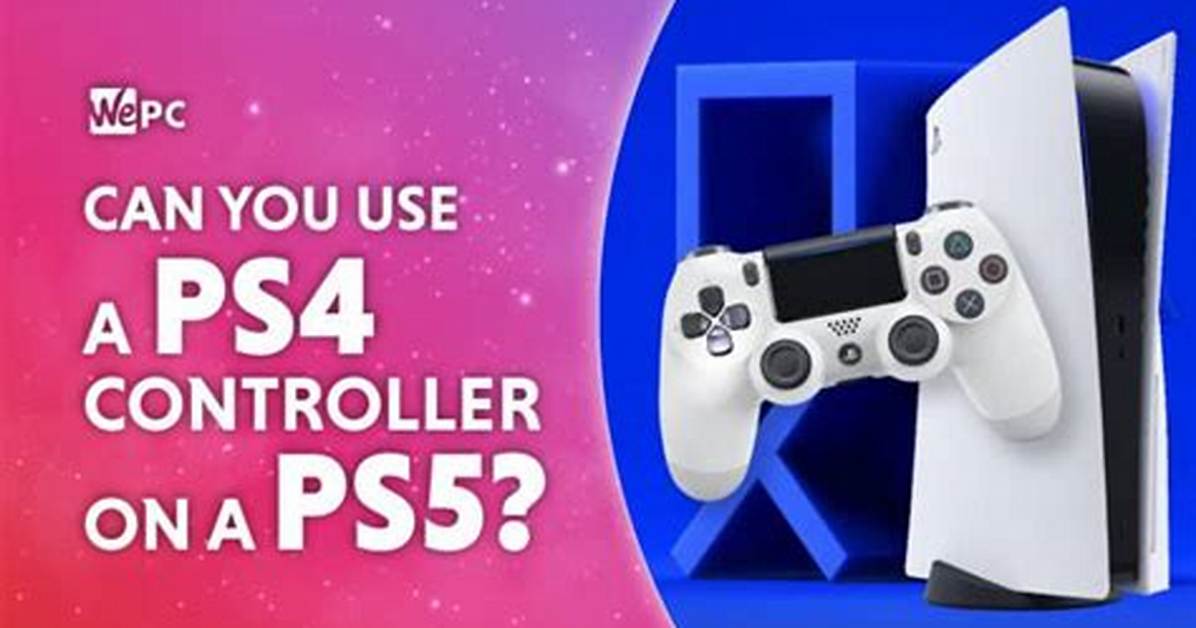
Navigating system menus exposes the historic rivalry between Western and Japanese button conventions. Nintendo maps the accept action to the right-side physical button (A) and cancel to the bottom button (B). Sony inverts this, positioning Cross (accept) at the bottom and Circle (back) on the right.
By default, converter adapters map physical locations rather than labeled names:
- Pressing Circle on the PS4 controller triggers A on the Switch 2.
- Pressing Cross triggers B.
- Pressing Triangle triggers X.
- Pressing Square triggers Y.
This layout preserves muscle memory for physical positions, but on-screen prompts often create severe mental friction. Quick-time events flashing an "X" prompt on screen cause PlayStation players to strike the bottom button instantly, resulting in an in-game "B" misfire.
Fortunately, the Switch 2 system software retains deep system-level button mapping tools. Players can open the system settings, create a custom layout for their recognized USB controller, and swap inputs to match their preferences. Dedicated third-party PC suites, such as 8BitDo's Ultimate Software, also allow users to flash custom button layouts directly onto the adapter's memory before plugging it into the console.