
The introduction of desktop widgets in macOS Sonoma altered the visual dynamic of the Mac screen. Previous versions relegated widgets to a hidden sliding drawer on the right edge of the display. Modern versions allow users to place widgets directly on the desktop canvas.
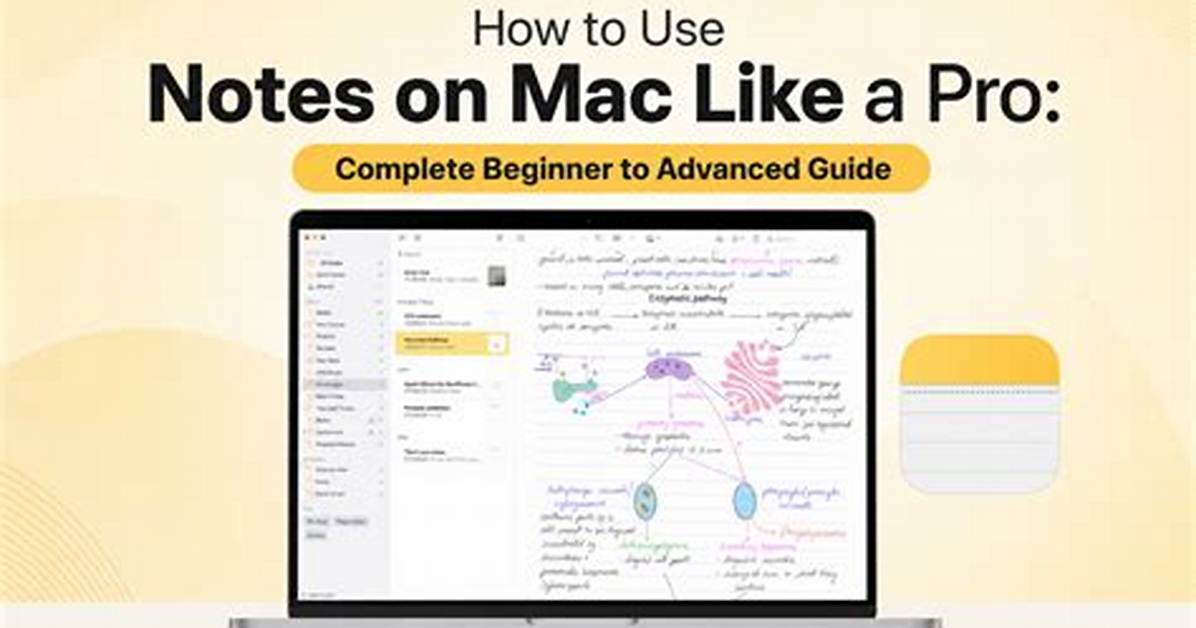
These are not static informational plaques; they are interactive surfaces. Checking off a task inside a Reminders widget completes the item immediately without launching the main application window. Placing a Notes widget on the screen creates a permanent visual bulletin board that adapts dynamically to system appearance.
When windows are actively in use, macOS tints desktop widgets to blend into the wallpaper, preserving visual focus. Clicking the wallpaper pushes all active application windows aside via Stage Manager or Exposé, surfacing widgets instantly. For users working across large external monitors connected to a MacBook Pro, this setup replicates a physical corkboard without physical clutter.


