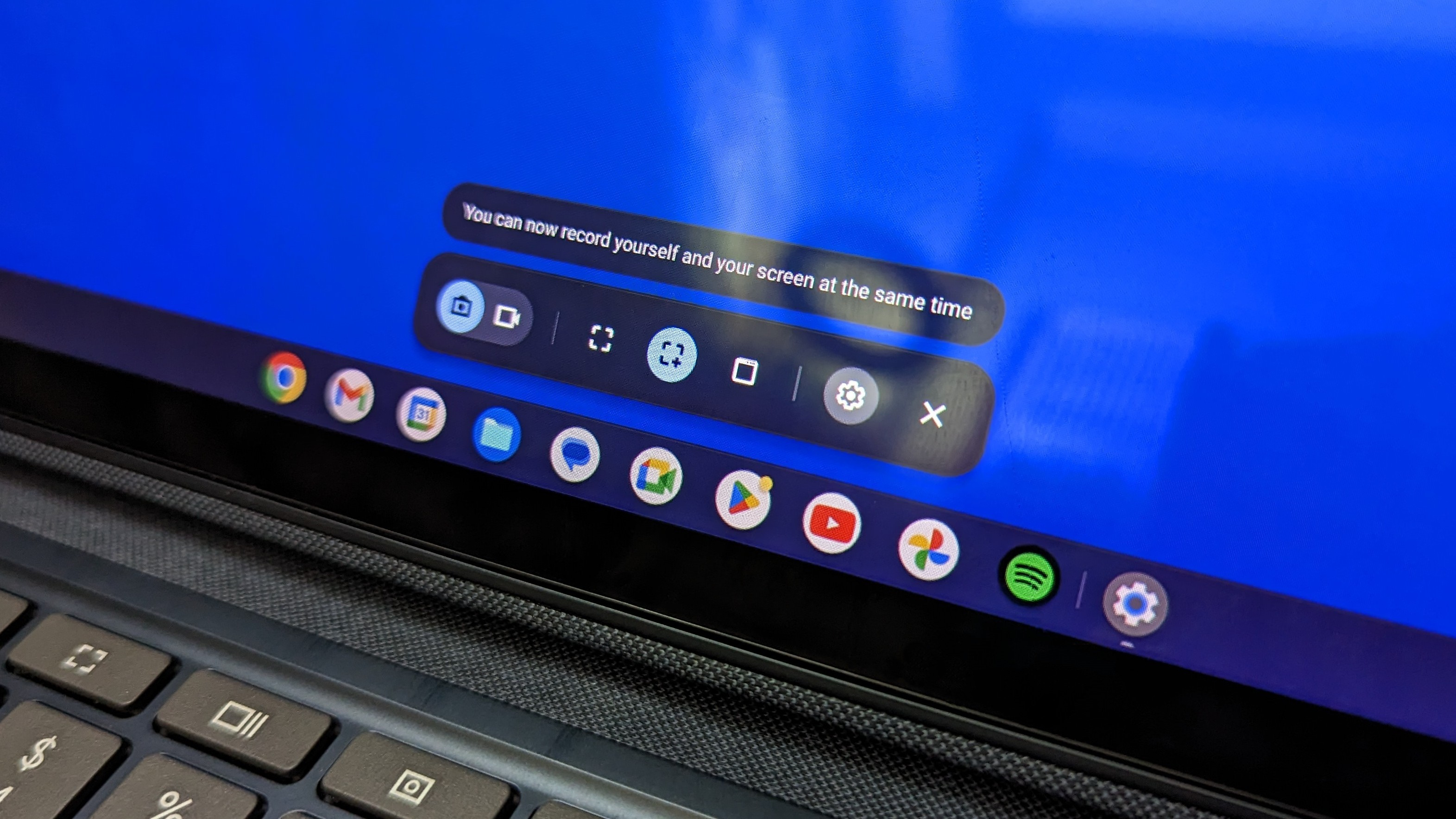
When you convert a 2-in-1 device into a slate, ChromeOS automatically turns off the physical keyboard deck to prevent accidental keystrokes. That safety measure knocks out standard keyboard combinations. To solve this, Google mirrored mobile operating systems like Android by linking capture functionality directly to exterior hardware rockers.
Press the power and volume down buttons simultaneously. You do not need to hold them down; a brisk, synchronized press of roughly 0.5 seconds does the job. A brief display flash and an audible click confirm the capture. Timing matters here. If you press the power button a fraction of a second too early, your screen turns off. Press the volume toggle prematurely, and an obtrusive volume slider appears across your screen, photobombing the exact content you intended to save.
This physical combination always takes a full screen capture. If you only want a tiny snippet of a webpage or a specific receipt row, you will need to crop the image manually later, or turn instead to software-based interface overlays.